

Quick overview
AI workflow builders dominated business process automation through 2024 and 2025. In 2026, the most effective way to automate work isn't to build a workflow at all. The better answer is a personal AI assistant that learns how the work gets done and handles it across the tools you already use.
This guide breaks down what changed in 2026, which traditional workflow builders still earn their place, and why personal AI assistants like Vellum are replacing the workflow builder category for most teams.
Top 4 AI workflow builders shortlist
- Vellum: the personal AI assistant replacing the workflow builder for most business automation.
- Zapier: no-code automation for repetitive SaaS workflows.
- Make: visual scenario builder for complex multi-step automations.
- n8n: open-source, self-hosted workflow automation for technical teams.
What is workflow automation?
Workflow automation platforms let teams design, execute, and monitor processes across systems with minimal manual work. They reduce repetitive tasks, enforce consistency, and free people to focus on judgment-heavy work. In 2026, the category is splitting in two: traditional workflow builders that execute fixed sequences, and personal AI assistants that adapt to the work as it changes.
What are AI workflow builders?
AI workflow builders add LLMs and AI agents to traditional automation. They let teams design, deploy, and run AI-powered processes that read, decide, and act on data across systems. The category has worked well for predictable processes. But when work shifts from run to run, fixed workflows break. That's the gap personal AI assistants fill.
Benefits to expect from any modern AI automation approach:
- Faster output across every team.
- Less manual work and operational overhead.
- Consistent handling of repetitive tasks.
- Lower cost per task as volume grows.
- More time spent on judgment work, less on swivel-chair work.
Who needs to automate business processes with AI workflow builders?
Any team that wants to move faster, cut manual work, and scale AI responsibly. The right tool depends on whether your work is predictable enough for fixed workflows or variable enough to need an assistant that learns and adapts.
- Operations leaders: kill swivel-chair tasks and standardize cross-department processes.
- IT and security: centralize credentials and keep access scoped.
- Revenue and support teams: automate handoffs and follow-ups without losing context.
- Founders and small teams: skip the workflow builder entirely, a personal AI assistant covers most use cases out of the box.
What makes an ideal AI workflow builder?
The best automation tools in 2026 let teams design, run, and manage intelligent automations without writing code, while staying flexible when the work changes. The category split:
- Personal AI assistants (Vellum): adapt to new tasks via natural conversation, learn from feedback, run across desktop, mobile, web, Slack, and email. No workflow to build, the assistant figures it out.
- Traditional workflow builders (Zapier, n8n, Make): visual or node-based interfaces for explicit step-by-step automation. Best when the process is stable and predictable.
Key 2026 trends in AI business automation
Adaptive AI is reshaping where enterprise tech spend goes. Bain projects 5 to 10% of enterprise tech spending will flow toward foundational agentic AI capabilities over the next three to five years, with up to half of all tech spending eventually going to agents running across the enterprise [1].
The automation market is growing, but its shape is changing. Global Market Insights values the hyper-automation market at $46.4B in 2024, growing at 17.06% CAGR through 2034. The new spend is concentrating in adaptive, AI-driven tooling rather than fixed workflow builders [2].
Governance is moving to the credential layer. ISACA's 2025 framing positions AI governance as a triad of privacy, cybersecurity, and legal collaboration, with sandboxed per-integration architecture replacing blanket approval workflows as the practical control [3].
Agent ROI is real but uneven. Google Cloud's 2025 ROI of AI study of 3,466 executives found 74% achieve ROI within the first year and 52% have AI agents in production, yet only 13% qualify as agentic early adopters capturing the biggest gains. The gap between leaders and laggards is widening [4].
How to evaluate AI workflow builders
- Adaptability: Does the tool require you to define every step, or can it learn the task? This is what separates personal AI assistants from traditional builders.
- Memory: Does it remember context across sessions? Without memory, every run starts from zero.
- Multi-surface presence: Does it work where your team works, desktop, mobile, Slack, email, web? Single-surface tools create friction.
- Credential handling: How are app credentials stored and scoped? Sandboxed, per-integration credentials beat shared OAuth secrets.
- Open source: Is the codebase public and auditable? Open source unlocks self-hosting and community trust.
- Pricing transparency: Are compute and storage costs clear and predictable? Opaque enterprise pricing burns finance teams.
How we chose the best platforms
We evaluated each tool on how well it meets real automation needs in 2026: adaptability, memory, credential handling, surface coverage, and total cost of ownership. We separated personal AI assistants from traditional workflow builders so you can pick the right category before the right tool.
Evaluation criteria:
- Adaptability: Personal AI assistants learn the task; workflow builders require you to define every step.
- Memory across sessions: Persistent context dramatically reduces setup time on recurring work.
- Surface coverage: Native presence on desktop, mobile, web, Slack, and email beats single-surface tools.
- Credential architecture: Sandboxed, per-integration credentials beat shared OAuth secrets.
- Open source vs proprietary: MIT-licensed code unlocks self-hosting, audit, and contribution.
Expected trade-offs:
- Personal AI assistant vs traditional workflow builder: Adaptability and surface coverage versus deterministic predictability.
- Cloud vs local-first: Convenience versus full data control. Vellum runs both, native Mac app on your machine or Vellum Cloud.
- Open source vs proprietary: Transparency and community versus polished commercial support.
The 2026 leaders for AI business automation
Vellum: the personal AI assistant for business automation
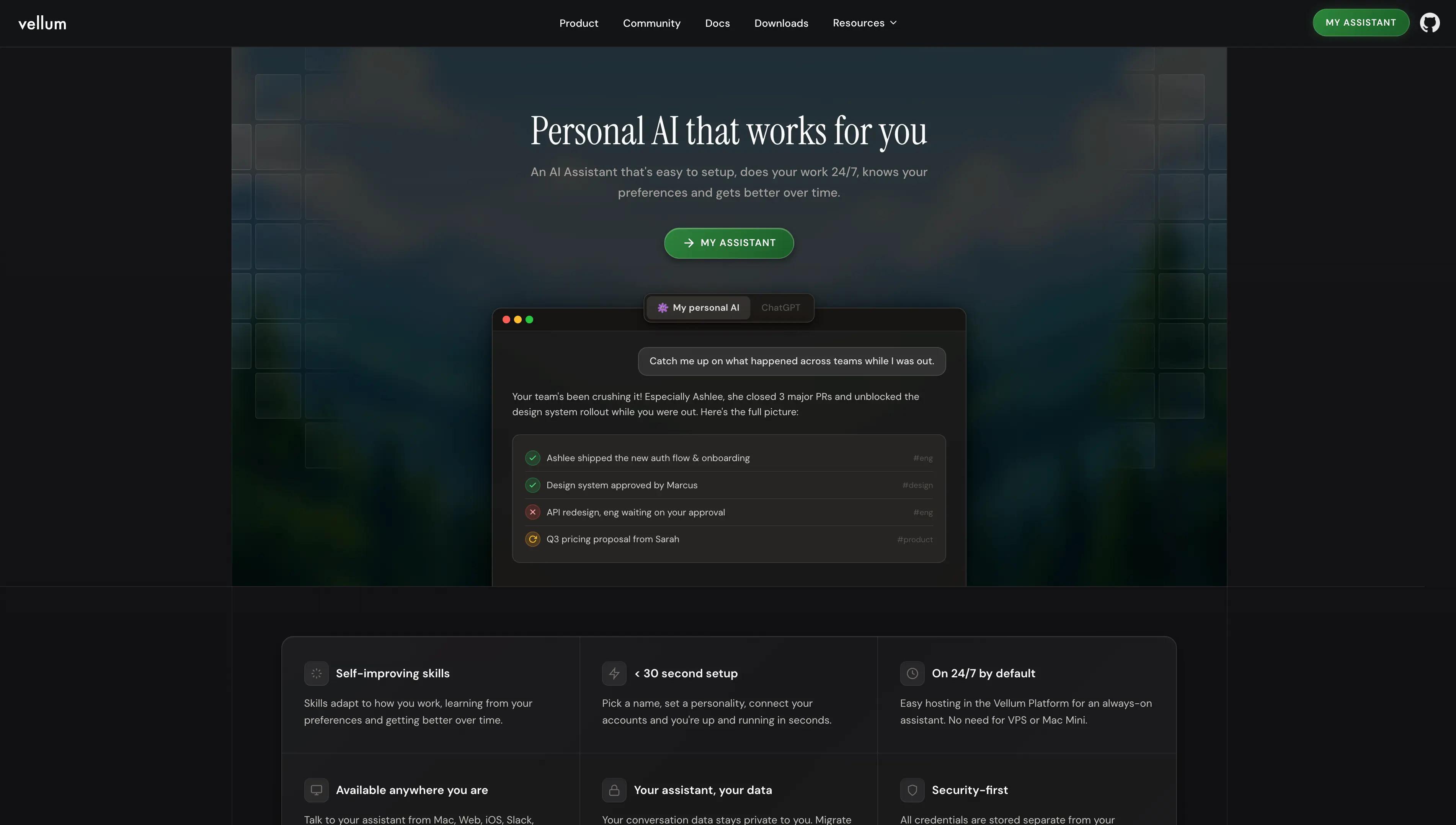
Quick overview: Vellum is an open-source personal AI assistant that replaces the workflow builder for most business automation. Instead of dragging nodes into a sequence, you tell Vellum what you want done. It learns the task, connects through sandboxed credentials, and handles the work across desktop, iOS, web, Slack, Telegram, and email. Memory compounds across sessions, so the second run is faster than the first.
Best for: Teams and individuals who want automation without building workflows. Founders, operators, and lean teams who need use across many tools without onboarding a no-code platform.
Pros:
- Memory compounds across sessions, no re-explaining context every run.
- Sandboxed credentials per integration prevent shared-secret blast radius.
- Open source MIT codebase with an active core team.
- Runs as a native Mac app on your machine or in Vellum Cloud, in sync with iOS, web, Slack, and Telegram.
- 50+ managed OAuth integrations, no API key juggling.
- Built-in scheduling so the assistant runs on a cadence without external triggers.
- 5-10 minute setup with no node-wiring required.
Cons:
- Less suited for high-volume deterministic pipelines where you need exact step-by-step control.
- For stable, predictable processes with thousands of identical runs, a traditional workflow builder can be a better fit.
Pricing:
Free Base plan; Pro from $50/month with configurable compute, configurable storage, and a per-Guardian assistant email plus subdomain.
Traditional Workflow Builders
For predictable, high-volume processes with stable inputs, the traditional workflow builder category still earns its place. These tools shine when the process doesn't change, when you know exactly what step comes next, every time.
2) n8n
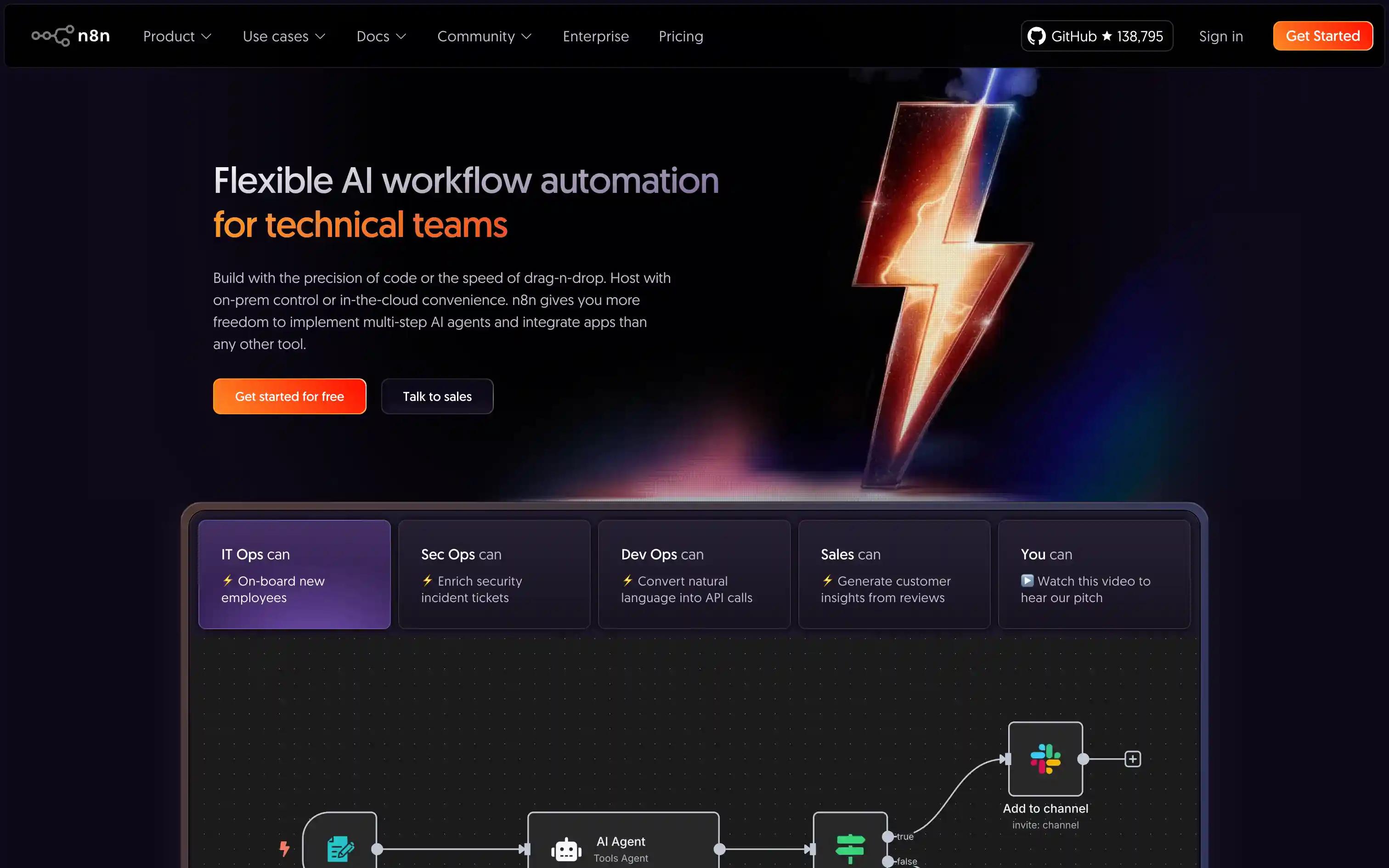
Quick overview: n8n is a node-based workflow automation platform popular with technical teams that self-host and customize. Strong for fixed-shape pipelines, less flexible for adaptive work.
Best for: Teams seeking open-source, self-hosted automation
Pros:
- Self-hosting and full data control.
- Flexible node-based workflow builder.
- Large library of pre-built integrations.
Cons:
- UI is less polished than commercial alternatives.
- Scaling and support require technical expertise.
- No native memory or adaptive behavior, every step has to be wired.
Pricing: Free OSS; Cloud from $20/month
3) Zapier
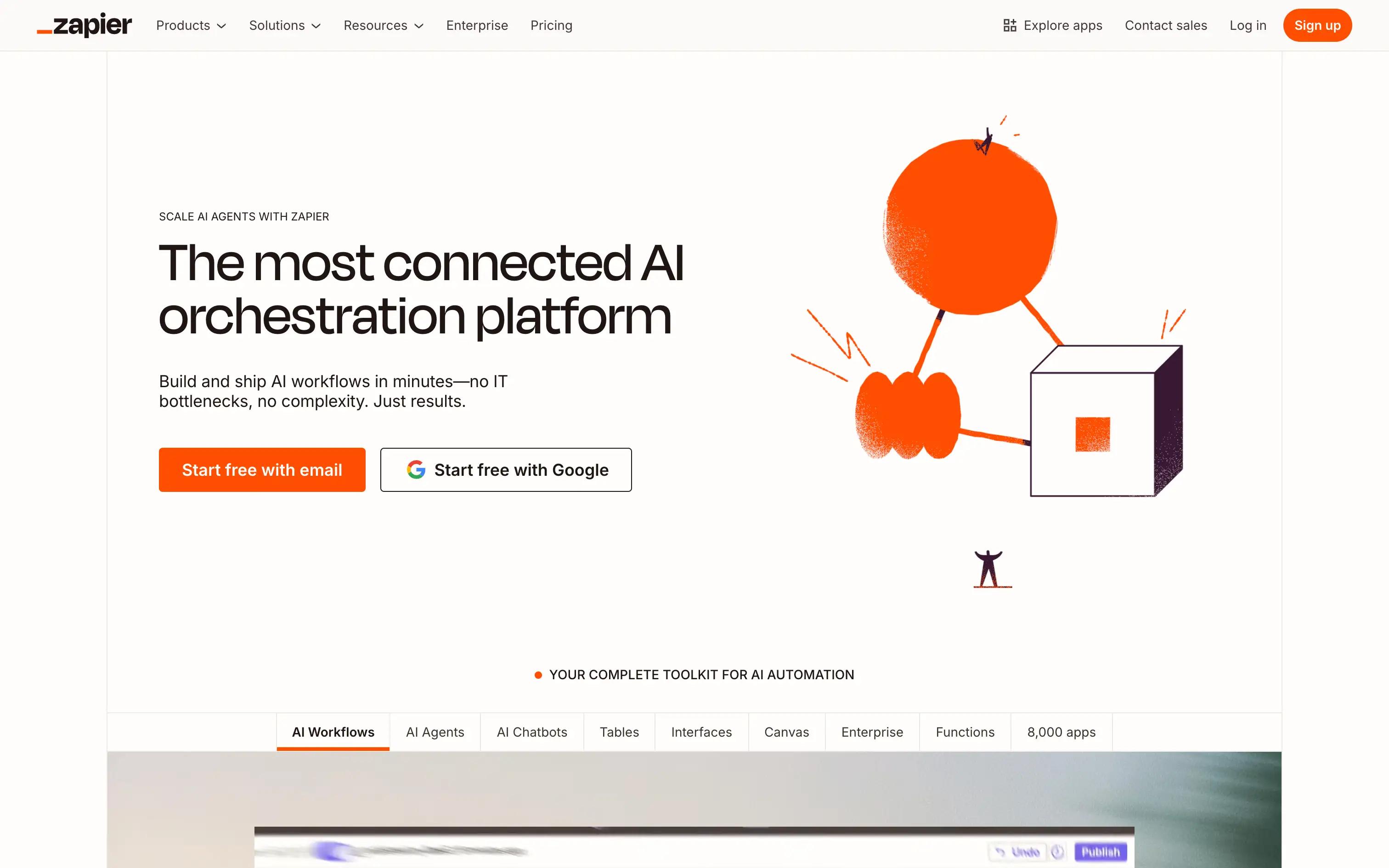
Quick overview: Zapier is the dominant no-code SaaS automation tool for connecting popular apps in fixed sequences. Great when the process is predictable, less suited for work that shifts.
Best for: Non-technical users automating SaaS workflows
Pros:
- 6,000+ app integrations.
- Intuitive drag-and-drop interface.
- Fast setup for common SaaS-to-SaaS workflows.
Cons:
- Limited AI and LLM orchestration.
- Usage-based costs scale quickly at volume.
- Fixed sequences break when the process changes.
Pricing: Free; from $19.99/month
4) Lindy AI
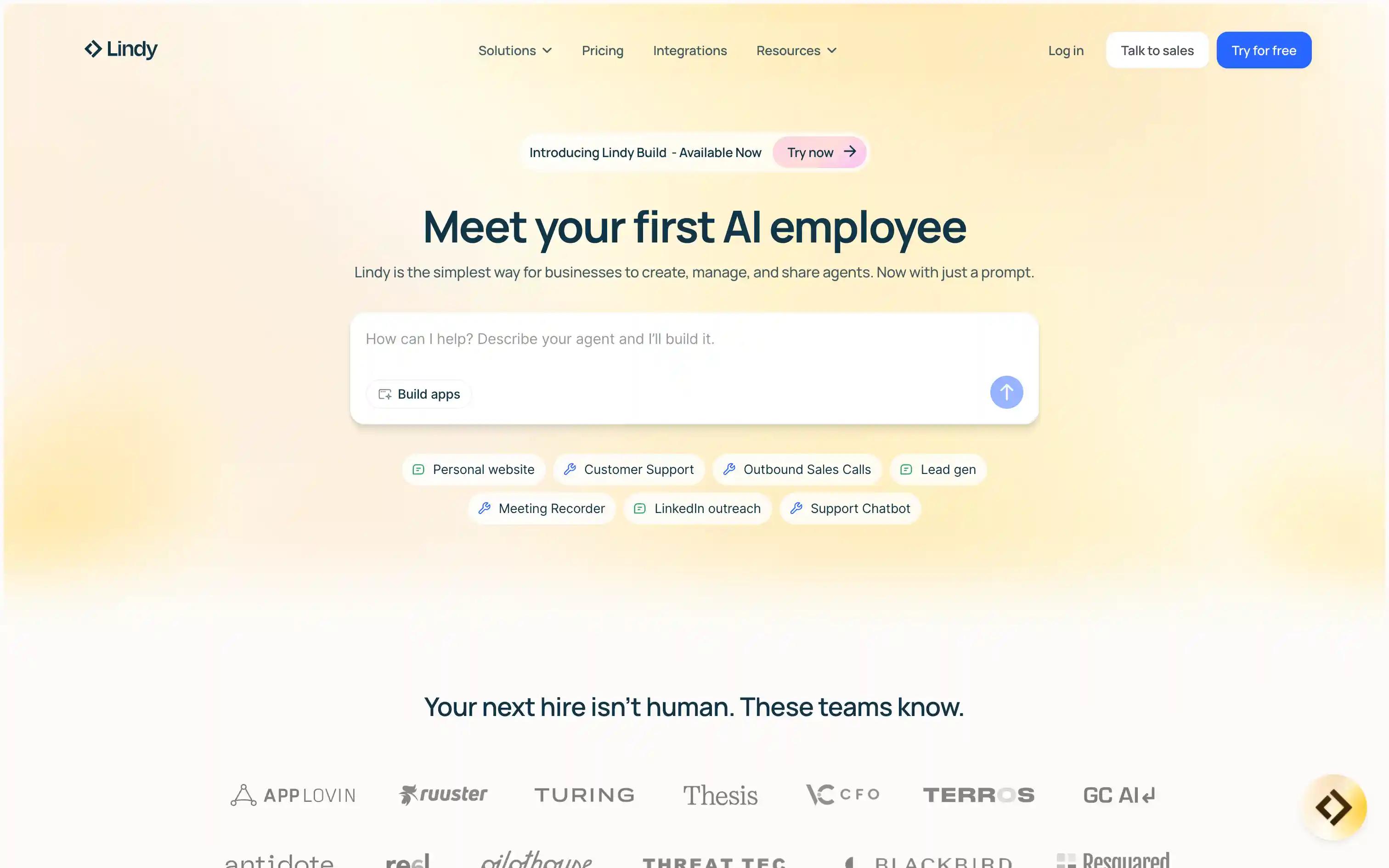
Quick overview: Lindy AI builds simple AI agents through a natural-language interface. Useful for narrow agent prototypes, with less depth on multi-surface presence and persistent memory than a full personal AI assistant.
Best for: Teams building custom AI agents for business tasks
Pros:
- Agent-based workflow design.
- Natural-language interface for creation.
- Built-in LLM orchestration.
Cons:
- Fewer integrations than Vellum or established workflow builders.
- Limited deployment flexibility.
- Memory and cross-surface presence are not first-class.
Pricing: From $25/month
5) Gumloop
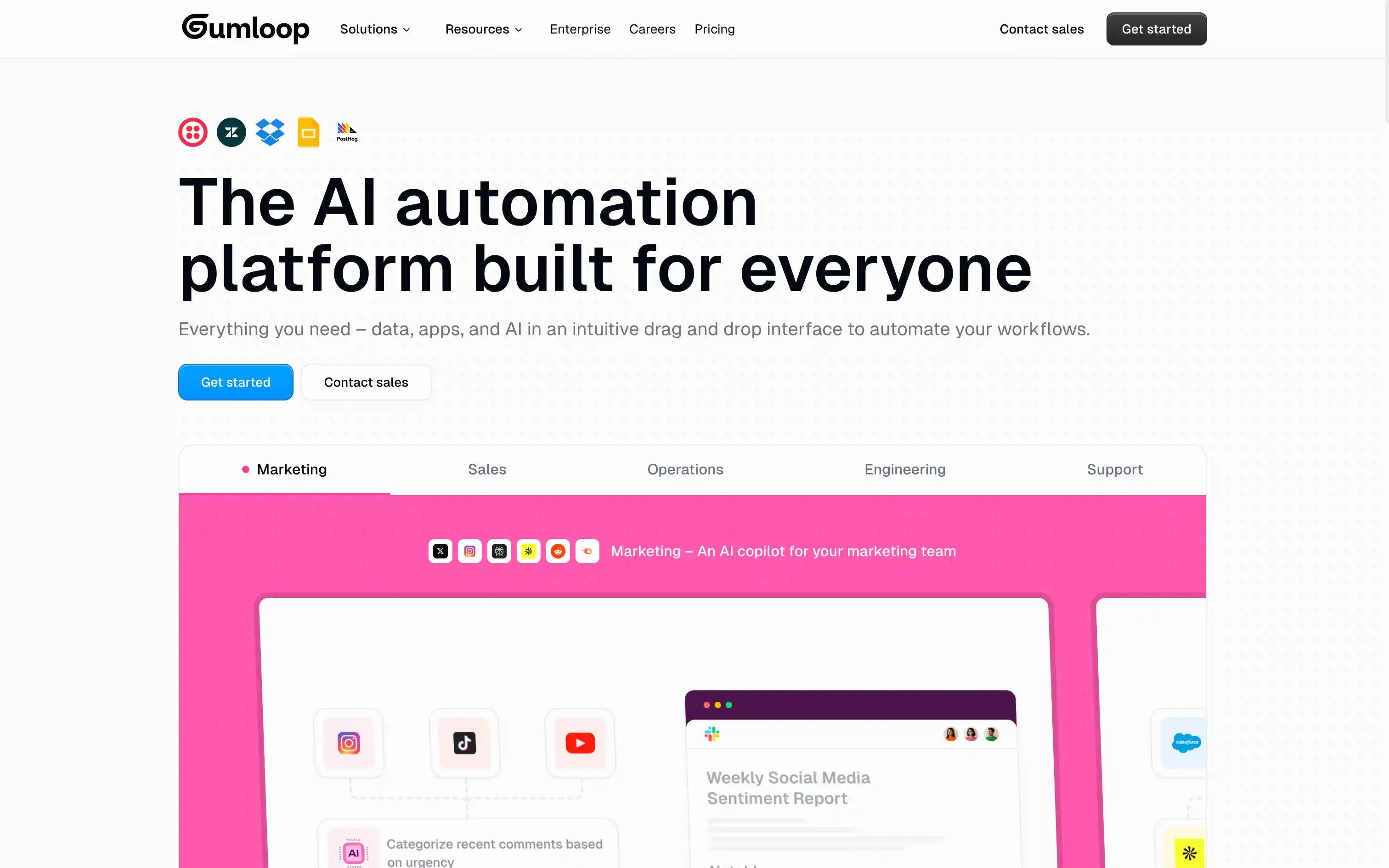
Quick overview: Gumloop offers a visual no-code builder for prototyping AI-powered workflows. Strong for quick LLM experiments, limited for live use beyond the prototype phase.
Best for: Rapid prototyping of AI-powered workflows
Pros:
- Visual no-code workflow editor.
- Integrates with major LLMs.
- Easy testing and iteration.
Cons:
- Deployment limits for live use cases.
- Limited app integrations.
- No persistent memory between runs.
Pricing: Free; from $37/month
6) Stack AI
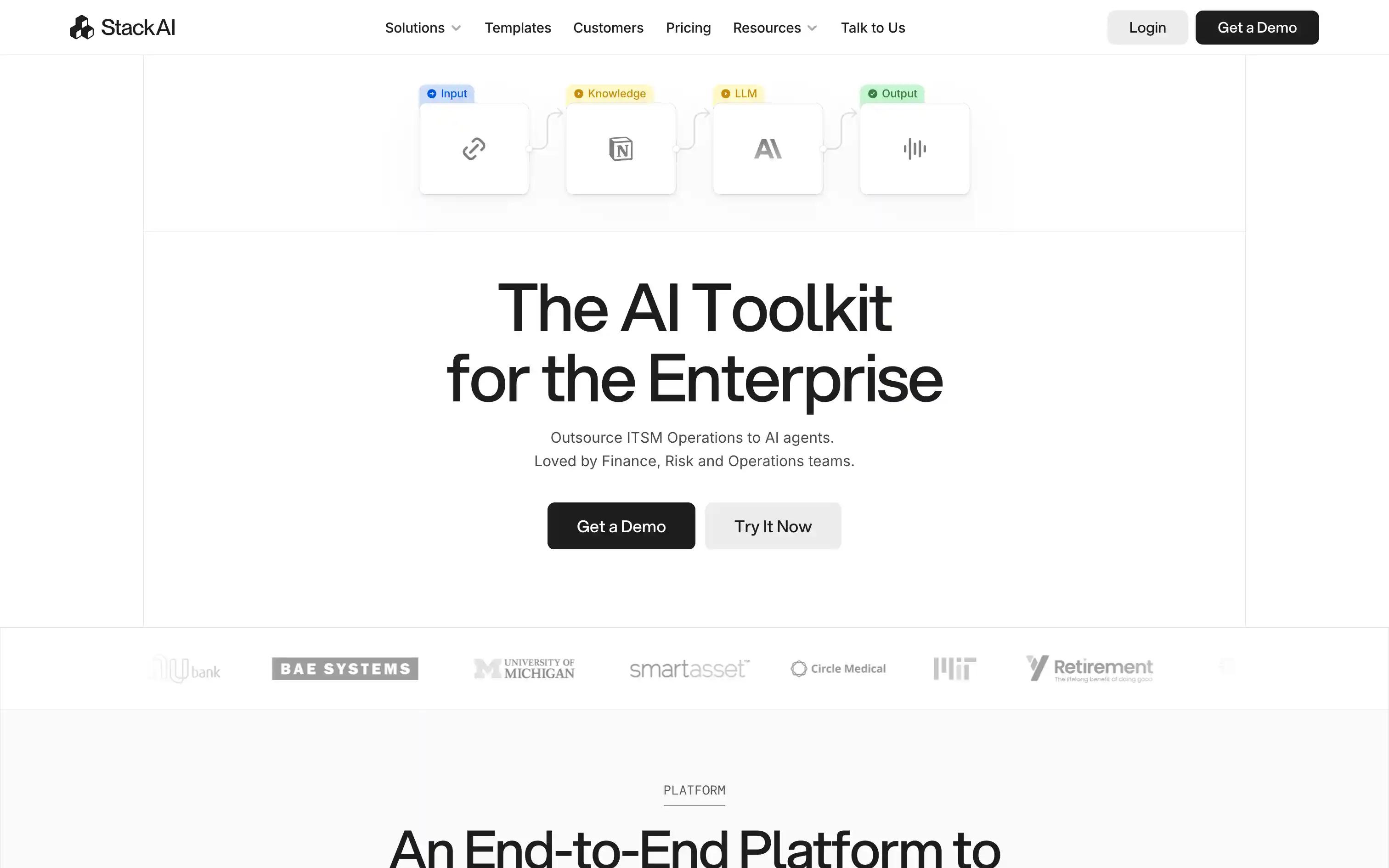
Quick overview: Stack AI is an API-first platform for engineering teams building LLM-powered automations with version control. Developer-focused rather than no-code.
Best for: Teams building LLM-powered automations
Pros:
- Model-agnostic LLM orchestration.
- Version control for workflows.
- API-first design.
Cons:
- Fewer pre-built connectors than mature builders.
- Engineering-heavy setup.
- Not designed for non-technical end users.
Pricing: Free tier; Enterprise plan
7) Make
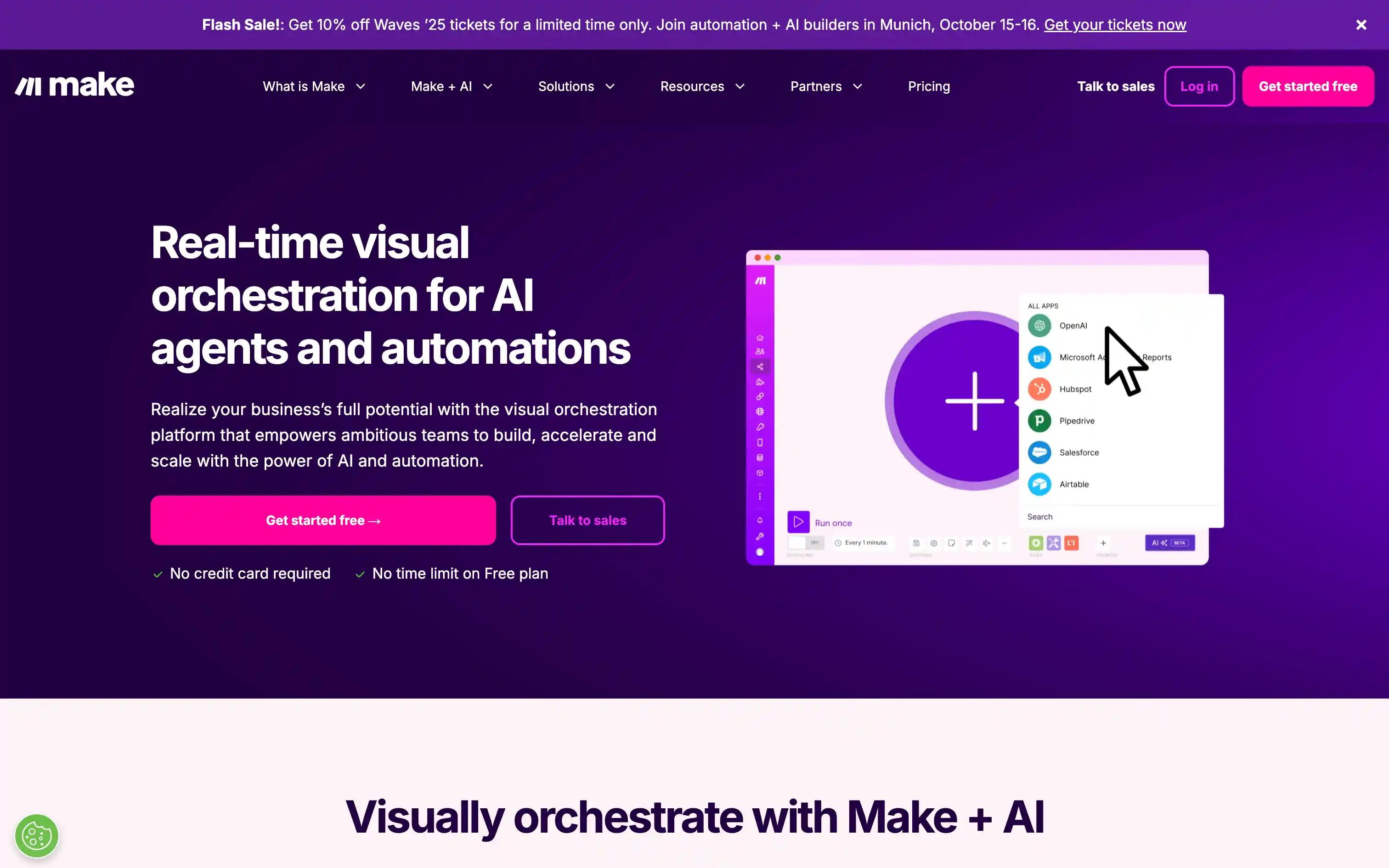
Quick overview: Make is a strong visual builder for complex multi-step process automation. The deepest visual scenario builder in the category, with a steeper learning curve than Zapier.
Best for: Complex, multi-step business process automation
Pros:
- Visual scenario builder.
- Extensive app integration library.
- Advanced data transformation.
Cons:
- Steeper learning curve than Zapier.
- Limited AI-native features.
- Best for predictable processes, not adaptive work.
Pricing: Free; from ~$9/month
8) Tray.ai
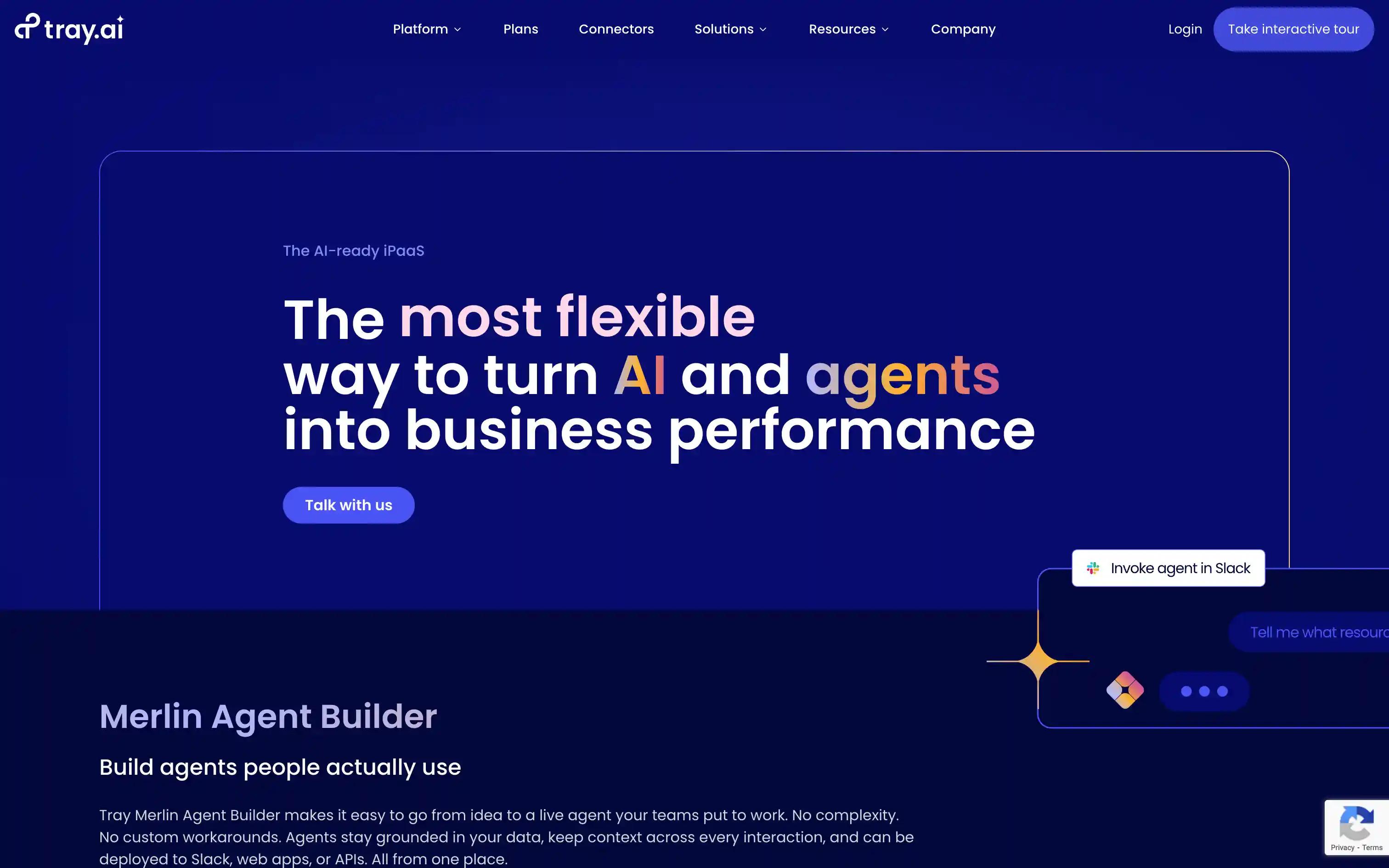
Quick overview: Tray.ai delivers integration and automation built for large IT organizations, with deep connector libraries and flexible deployment.
Best for: Large enterprises needing scalable integrations
Pros:
- Deep connector library.
- Flexible deployment options.
- Scales to high-volume use cases.
Cons:
- Higher starting price than most alternatives.
- Technical setup required.
- Built around fixed integrations, not adaptive AI work.
Pricing: Enterprise pricing only
Comparison: AI business automation tools at a glance
- Vellum: Free Base; Pro from $50/mo. Personal AI assistant with memory, sandboxed credentials, and multi-surface presence. Best for teams replacing workflow builders entirely.
- Zapier: Free; from $19.99/mo. No-code SaaS automation. Best for fixed integrations between popular apps.
- Make: Free; from ~$9/mo. Visual scenario builder. Best for complex multi-step automations.
- n8n: Free OSS; Cloud from $20/mo. Self-hosted, node-based. Best for technical teams that want full data control.
- Lindy AI: From $25/mo. Natural-language agent design. Best for narrow agent prototypes.
- Gumloop: Free; from $37/mo. Visual prototyping. Best for quick LLM workflow experiments.
- Stack AI: Free tier; enterprise plans. API-first LLM orchestration. Best for engineering teams building LLM products.
- Tray.ai: Custom pricing. Integration-heavy automation. Best for large IT organizations with deep connector needs.
Why choose Vellum for automating business processes
Vellum doesn't ask you to build a workflow. You tell it what you want done by voice, by text, or by email, and it figures out which tools to use, which integrations to call, and when to ask you for input. Across desktop, iOS, web, Slack, Telegram, and email, you have a single assistant that remembers context and gets better the more you use it.
What makes Vellum different
- Memory compounds: every conversation, every preference, every correction is stored and used on the next run. You don't re-explain.
- Sandboxed credentials per integration: each app connection lives in its own isolated scope, so a compromise in one integration can't reach the others.
- Open source MIT codebase: the full client and core skills are public, auditable, and forkable.
- Multi-surface presence: native Mac app on your machine, Vellum Cloud for everything else, in sync across iOS, web, Slack, Telegram, and email.
- 50+ managed OAuth integrations: Gmail, Calendar, Notion, Linear, Slack, Drive, GitHub, and more, with no API key handling on your end.
- Built-in scheduling: the assistant runs daily digests, weekly reports, and recurring outreach without external triggers.
When Vellum is the best fit
- Lean teams replacing a no-code stack: you'd rather give five operators an assistant than build twenty Zaps.
- Privacy-sensitive work: sandboxed credentials, local-first option via the native Mac app, and an open-source codebase you can audit.
- Cross-tool work that doesn't fit a fixed shape: drafting outreach, triaging tickets, summarizing meetings, scheduling follow-ups, pulling data across SaaS.
- Founders and operators: one tool that covers most workflow needs without learning a workflow builder.
How Vellum compares (at a glance)
- vs Zapier or Make. Great for fixed SaaS-to-SaaS pipelines. Vellum adapts when the process shifts, no rewiring needed.
- vs n8n. Great for self-hosted node-based workflows. Vellum is also open source and self-hostable, but you describe outcomes instead of wiring nodes.
- vs Lindy or Gumloop. Great for narrow agent prototypes. Vellum is a complete personal AI assistant that lives across all your surfaces, with memory and scheduling built in.
The plugin ecosystem is where Vellum pulls ahead for good. Over 35 open-source plugins extend your assistant with specialized capabilities, from workflow automation to data pipeline management to CRM synchronization. Each one installs with a single command and runs sandboxed with per-actor permissions, so your credentials stay isolated from the model.
This is what gives your assistant superpowers. Instead of waiting for a product team to ship the feature you need, you install a plugin that adds it today. Browse the directory, pick what fits your workflow, and your assistant gains a new capability in seconds. You can build your own just as easily, no coding required.
Plugins give your assistant superpowers
Browse our team built and security tested library of plugins on memory, productivity, developer tools, and more.
FAQs
1) Should I use a personal AI assistant or a traditional workflow builder?
Use a personal AI assistant when the work changes shape from run to run: drafting, triaging, summarizing, cross-tool research. Use a traditional workflow builder when the process is stable, high-volume, and every step is predictable. Many teams now run both: Vellum for adaptive work, Zapier or Make for fixed pipelines.
2) How does a personal AI assistant keep data and credentials safe?
Vellum uses sandboxed credentials per integration, so a problem in one connected app can't reach the others. The codebase is open source MIT, which means you can audit the runtime itself. For the strictest privacy needs, the native Mac app keeps data on your own device.
3) What if a process needs both structured logic and AI reasoning?
Vellum's skills system lets you encode deterministic logic alongside AI-driven steps. The assistant decides when to run a skill (predictable) and when to reason (adaptive). For teams used to workflow builders, this is the cleanest bridge between the two models.
4) How do exceptions get handled without breaking the automation?
Vellum pauses and asks. The assistant flags ambiguous cases, surfaces them in Slack or email, and waits for input before continuing. Human-in-the-loop is the default, not an add-on, which is why teams replace fragile if-this-then-that pipelines with assistants.
5) How do costs work?
Vellum Pro starts at $50 a month with configurable compute and storage. You pay for the resources you actually use, not per workflow run. The Free Base plan is available for individual Guardians.
6) Where does my data live?
Vellum runs as a native Mac app on your machine (local-first) or as Vellum Cloud. The native app keeps data and credentials on the device. The codebase is MIT licensed, so self-hosting on your own infrastructure is also supported.
7) How do teams transition from a workflow builder to a personal AI assistant?
Start with one operator and one use case. Replace the messiest, least-predictable workflow first, the one that breaks every time the process changes. Personal AI assistants shine on adaptive work, which is where the savings show up first.
8) Which metrics show AI automation is working?
Time saved per operator per week, exception rate, accuracy on judgment-heavy tasks, and cycle time on cross-tool work. Personal AI assistants typically show outsized gains on cross-tool work and judgment tasks, where fixed workflow builders struggle.
9) How does Vellum connect to existing apps?
Vellum ships 50+ managed OAuth integrations including Gmail, Calendar, Slack, Notion, Linear, Drive, and GitHub, with no API key handling on your end. The skills system is open, so custom integrations can be added.
10) How do non-technical teams use Vellum without creating security risk?
Each Guardian (the term for a Vellum user) has their own assistant with isolated credentials. Permissions are scoped per integration, so a non-technical user can build their own automations without touching anyone else's setup.
11) How do automations evolve over time without breaking existing work?
Personal AI assistants evolve through conversation. You correct or refine in natural language, and the assistant remembers and applies the change going forward. For traditional workflow builders, version control and testing remain critical. That's another reason teams split adaptive work to assistants and keep predictable work in fixed builders.
Citations
[1] Bain & Company (2025). State of the Art of Agentic AI Transformation.
[2] Global Market Insights (2025). Hyper Automation Market Size & Share Report, 2025-2034.
[3] ISACA (2025). Collaboration and the New Triad of AI Governance.
[4] Google Cloud (2025). The ROI of AI: How Agents Are Delivering for Business.
[5] Forbes Technology Council (2024). How Will AI Affect Low-Code/No-Code Development? .