
Quick overview
A comprehensive guide on top no-code AI workflow automation tools of 2026 that helps teams rapidly build, deploy, and manage AI-powered workflows without writing code. These platforms automate processes between apps. We also include the open-source personal AI assistant category, a newer option where one assistant with persistent memory handles work across your tools directly, often faster than wiring every trigger in advance.
Top 6 no-code AI workflow automation tools shortlist
- Vellum: Open-source personal AI assistant, one assistant that handles work across tools instead of a graph of triggers.
- Zapier: User-friendly no-code automation for connecting popular SaaS apps.
- Make: Visual workflow builder with advanced branching and logic.
- Microsoft Power Automate: Microsoft-centric automation across the M365 stack.
- n8n: Open-source low-code workflow automation with self-host option.
- Lindy AI: No-code AI app builder for ops and small teams.
- Gumloop: Visual agent prototyping and deployment for non-engineers.
What is no-code AI workflow automation?
No-code workflow automation platforms let all teams design, automate, and manage business processes using visual interfaces. They eliminate the need for traditional development and reduce IT bottlenecks.
What are no-code AI workflow automation tools?
No-code AI workflow automation tools enable users to build, deploy, and manage AI-driven workflows through visual interfaces without coding. They combine automation, AI models, and integrations to simplify operations and decisioning. The best even offer prompt based building, that make going from idea to AI automation happen in minutes.
Why use no-code AI workflow automation tools?
For operations, product, and data teams, these platforms turn “idea → automated workflow” into a fast, low-risk loop that doesn’t depend on engineering backlogs. No-code AI workflow automation tools help:
Faster deployment: Launch AI-powered workflows in days, not months. Reduced IT dependency: Empower business teams to automate without code. Smarter iteration: Test, version, and monitor workflows with built-in evaluation and observability.
Who needs these tools?
No-code AI workflow automation tools are built for any team that wants to move faster and reduce manual work. They make it easy to connect systems, automate processes, and scale AI-driven operations without relying on developers.
- Operations leaders automating processes across departments.
- IT managers ensuring governance, compliance, and secure integrations.
- Business analysts turning data insights into automated actions.
- Support teams improving routing, ticket handling, and response times.
- Product managers orchestrating multi-system workflows and AI features.
- Data teams automating model evaluation and reporting.
- Marketing teams building lead routing and campaign automations.
- Finance teams streamlining approvals, reconciliation, and forecasting.
- Engineering enablement teams standardizing internal workflows.
- Executives gaining visibility and control over automation across the organization.
What makes the ideal no-code AI workflow automation tool?
The best tools make it easy for anyone on your team to build, run, and manage smart workflows without writing code. They should be simple enough for business users and strong enough for enterprise needs.
- No-code building: Drag-and-drop interfaces that let anyone create and edit workflows fast.
- AI-native features: Built-in support for model orchestration, evaluation, and prompt management.
- Enterprise governance: Role-based access, audit logs, and approval workflows to stay compliant.
- Integration breadth: Connect easily to APIs, databases, and business apps across your stack.
- Observability: Track workflow performance with real-time logs, monitoring, and SLA metrics.
- Scalability: Handle complex, high-volume, multi-branch workflows reliably.
- Collaboration: Shared spaces for ops, product, and IT to design and manage together.
- Security: Enterprise-grade encryption and compliance to protect sensitive data.
Key trends in 2026 shaping the space
- The no-code AI market is exploding. Platforms are growing at 31-38% CAGR and expected to hit ~$25B by 2030, making them one of the fastest-rising segments in enterprise tech. [1]
- Development speed is collapsing to near real time. Teams report up to 90% faster build cycles, shipping in weeks what used to take months, with productivity gains exceeding 60% for hybrid business-engineering teams. [2]
- Enterprise adoption has crossed the tipping point. 84% of organizations already use low- or no-code tools, and by 2025, three-quarters of large enterprises will rely on four or more platforms across IT and operations. [3]
- Automation is expanding from edge cases to core systems. The share of companies running automation in most core processes will rise from 60% in 2024 to 85% by 2029, signaling that process automation is becoming business infrastructure. [4]
- AI is redefining workflow automation itself. AI-enabled workflows are set to grow eightfold, from 3% to 25% of enterprise processes by end-2025, transforming static automations into adaptive, decision-capable systems. [5]
How to evaluate no-code AI workflow automation tools
- No-code building: Drag-and-drop interface that lets anyone create and edit workflows quickly. Enables fast iteration without technical skills.
- AI-native features: Built-in model orchestration, evaluation, and prompt management. Powers intelligent, adaptive workflows.
- Enterprise governance: Role-based access, audit logs, and approval workflows. Maintains compliance and oversight at scale.
- Flexible deployment: Cloud, private VPC, or on-prem options. Meets security and data residency needs.
- Integration breadth: Deep API support and wide connector coverage. Unifies data and tools across the business.
- Observability: Real-time monitoring, logging, and SLA tracking. Ensures reliability, transparency, and quick debugging.
- Scalability: Handles complex, high-volume, multi-branch workflows. Keeps performance stable as automation grows.
- Usability: Intuitive visual builders and templates. Speeds onboarding and cross-team adoption.
- Collaboration: Shared workspaces for ops, product, and IT to co-design workflows. Improves visibility and teamwork across functions.
- Security: Encryption, SSO, and compliance (SOC 2, GDPR, HIPAA). Protects sensitive data and meets regulatory standards.
How we chose the best tools
We scored no-code AI workflow automation platforms against real enterprise needs, focusing on outcomes, control, and scale. Our criteria:
- Ease and depth of building: Visual editors that support complex, multi-branch workflows without code, plus optional SDKs for extensibility.
- Collaboration: Shared workspaces, versioning, and review flows for ops, product, data, and IT.
- Governance and security: RBAC, audit logs, approvals, SSO, and compliance readiness.
- Observability and evaluation: Run-level logs, traces, metrics, and built-in evaluations for safe iteration.
- Integrations and APIs: Connector breadth plus deep API support for data, apps, and services.
- Scalability and reliability: Proven performance for high-volume workloads and strict SLAs.
- Deployment flexibility: Cloud, private VPC, or on-prem to meet residency and policy requirements.
- Support and ecosystem: Documentation, templates, customer success, and an active community.
Expected trade-offs:
Managed vs self-hosted: simplicity and speed vs control and customization Open-source vs proprietary: flexibility and transparency vs SLAs and vendor support Depth of integration vs neutrality: tight ecosystem fit vs portability across stacks Feature richness vs simplicity: advanced capability vs learning curve and complexity
Top 11 best no-code AI workflow automation tools in 2026
1. Vellum, open-source personal AI assistant
Quick overview
Vellum is an open-source personal AI assistant that runs as a native Mac app on your machine or in Vellum Cloud, with iOS, web app, voice, email, Telegram, and Slack surfaces that share one memory. Where no-code workflow tools automate processes between SaaS apps, Vellum automates the operator directly: one assistant with persistent memory that handles ad-hoc work across your tools without wiring every trigger in advance. Extend it with skills written in Python or TypeScript. Vellum never has access to your data on any deployment path.
Best for: Individuals and small teams who want one assistant to handle work across tools, not a graph of triggers and zaps to maintain.
Pros
Open source with on-device option Working assistant on day one Persistent memory shared across seven native surfaces Skill system in Python or TypeScript
Cons
- Brief learning curve as your assistant builds context on you.
Pricing
Free Base plan. Pro from $50/mo with pay-as-you-go credits, configurable compute and storage, and your assistant's own email and subdomain.
2. Zapier, No-code automation for SaaS apps
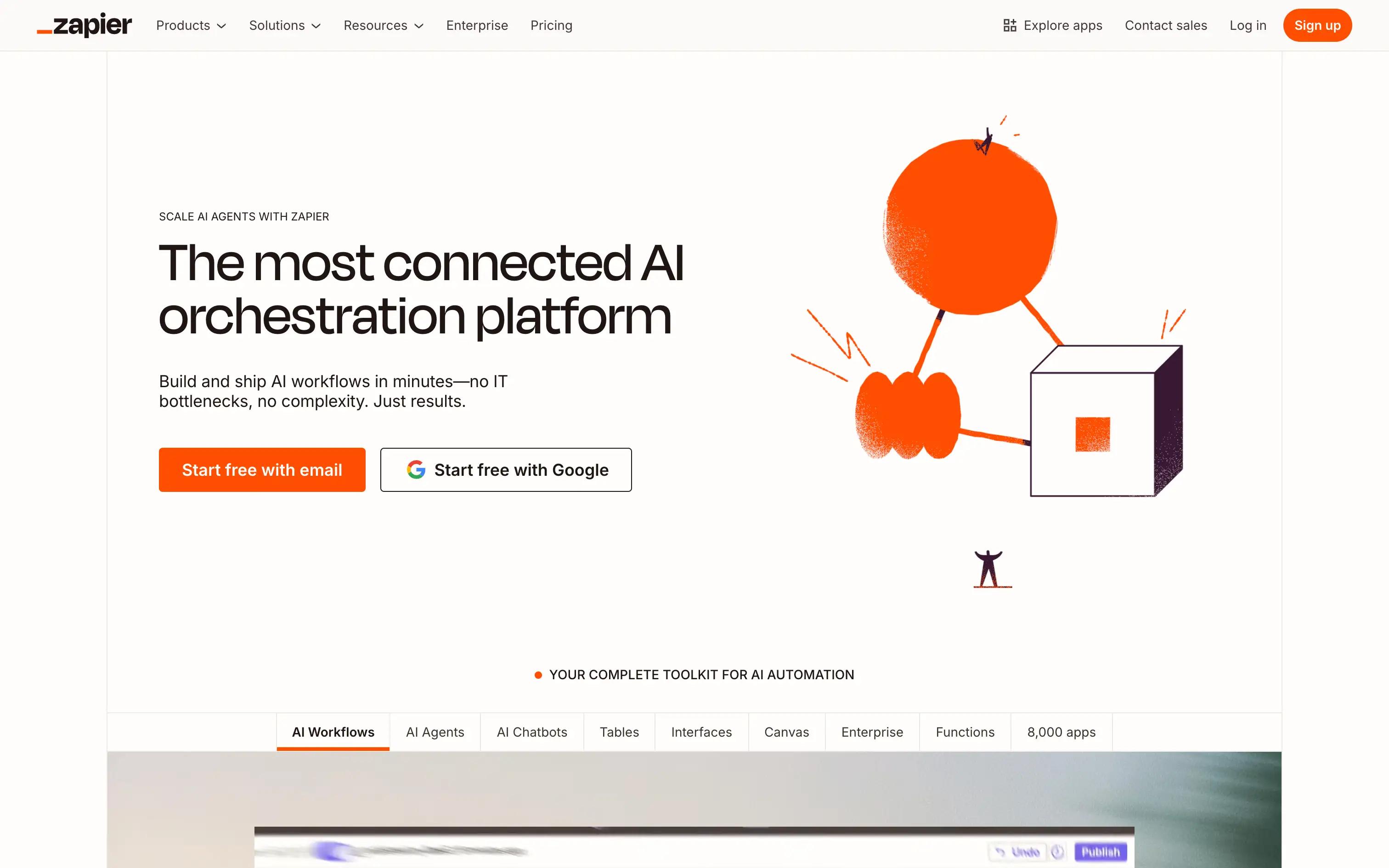
Quick overview : Zapier connects hundreds of SaaS tools so teams can automate repetitive tasks and move data without code. It’s best for quick, lightweight business automations across common apps.
Best for: Automating repetitive tasks across popular SaaS tools
Pros:
Huge library of app integrations Easy, visual workflow builder Reliable for simple automations
Cons:
Limited AI-native features Governance and audit controls are basic Scaling complex workflows can be challenging
Pricing: Free tier; paid plans from $19.99/month; Enterprise pricing available
3. Lindy AI, No-code AI app builder
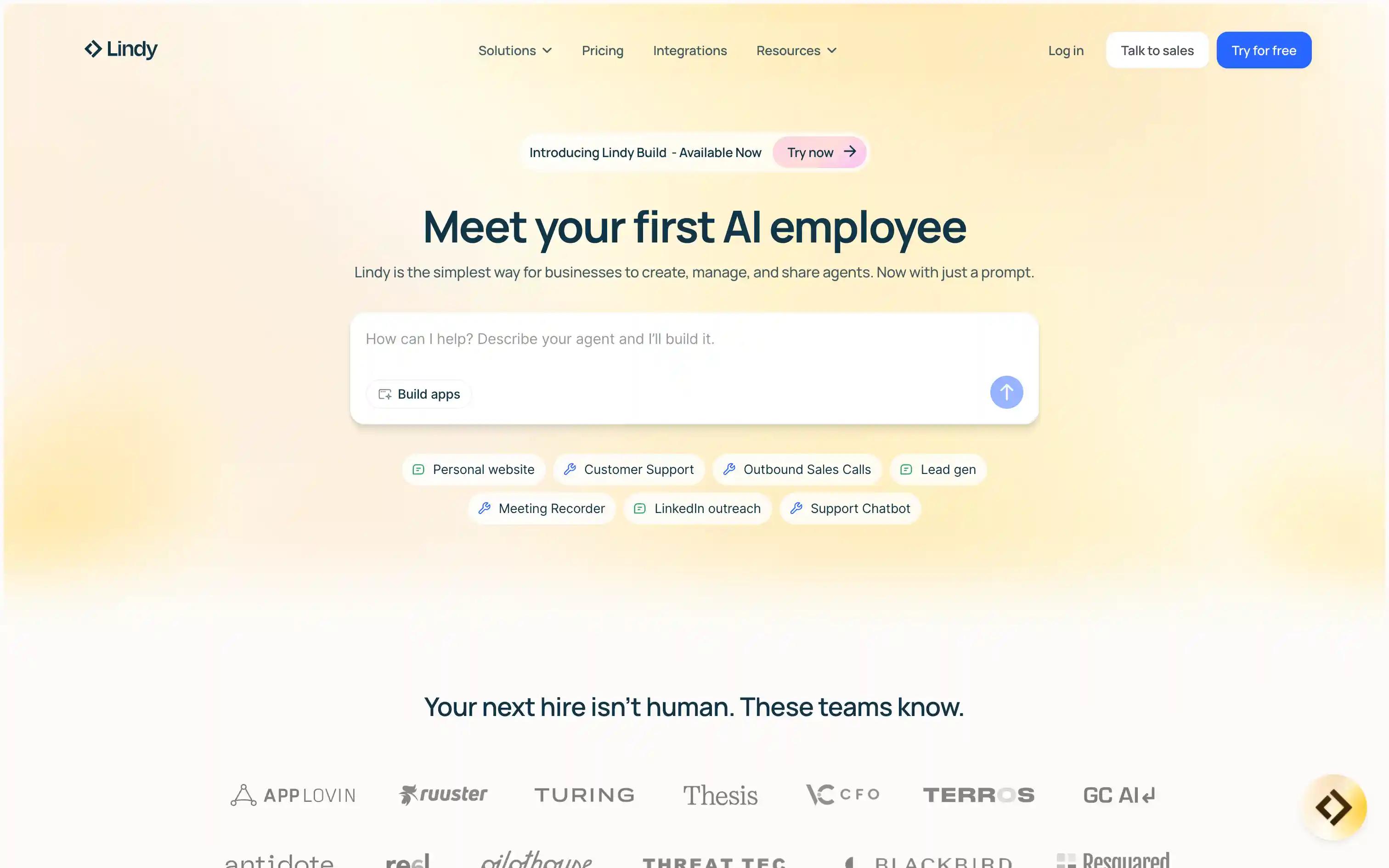
Quick overview : Lindy AI helps teams create AI-powered agents and workflows through a simple builder and prebuilt templates. It focuses on multi-step automation for common operations and customer-facing tasks.
Best for: Automating multi-step tasks with AI agents
Pros:
AI-native workflow orchestration Prebuilt agent templates Simple interface for non-coders
Cons:
Fewer integrations than legacy tools Limited deployment flexibility
Pricing: Starts at $25/month; Enterprise pricing available
4. Gumloop, Visual agent prototyping & deployment
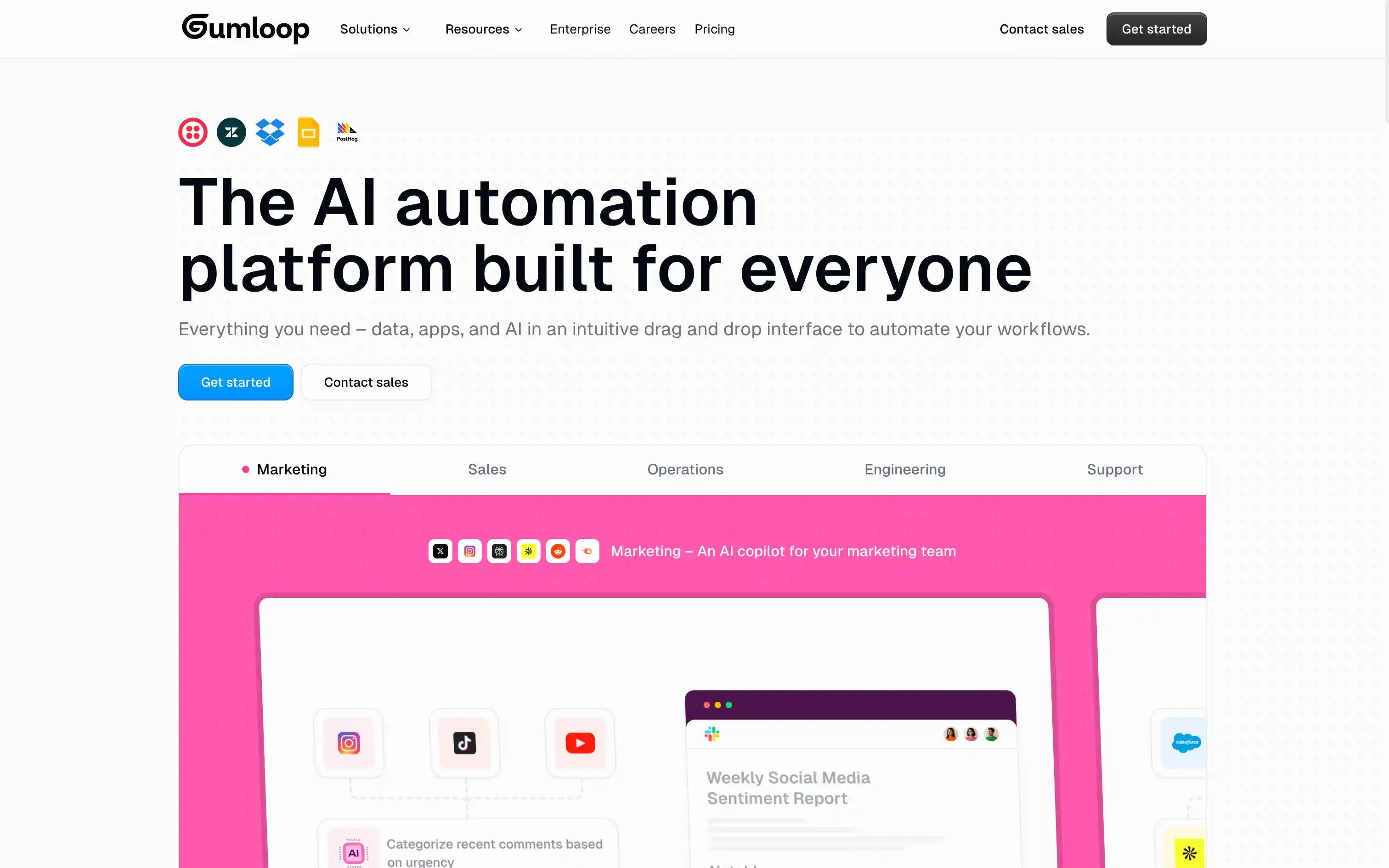
Quick overview : Gumloop provides a visual interface for non-technical teams to automate AI tasks fast. It’s ideal for teams testing AI-driven processes and publishing simple, repeatable flows with minimal setup.
Best for: Teams seeking quick AI automation with a visual builder
Pros:
Drag-and-drop interface Built-in AI connectors Fast setup for simple flows
Cons:
Limited advanced controls Lacks deep enterprise governance features
Pricing: Free tier, paid plans from $37/month; Enterprise pricing available
5. Stack AI, Enterprise strict AI workflow builder
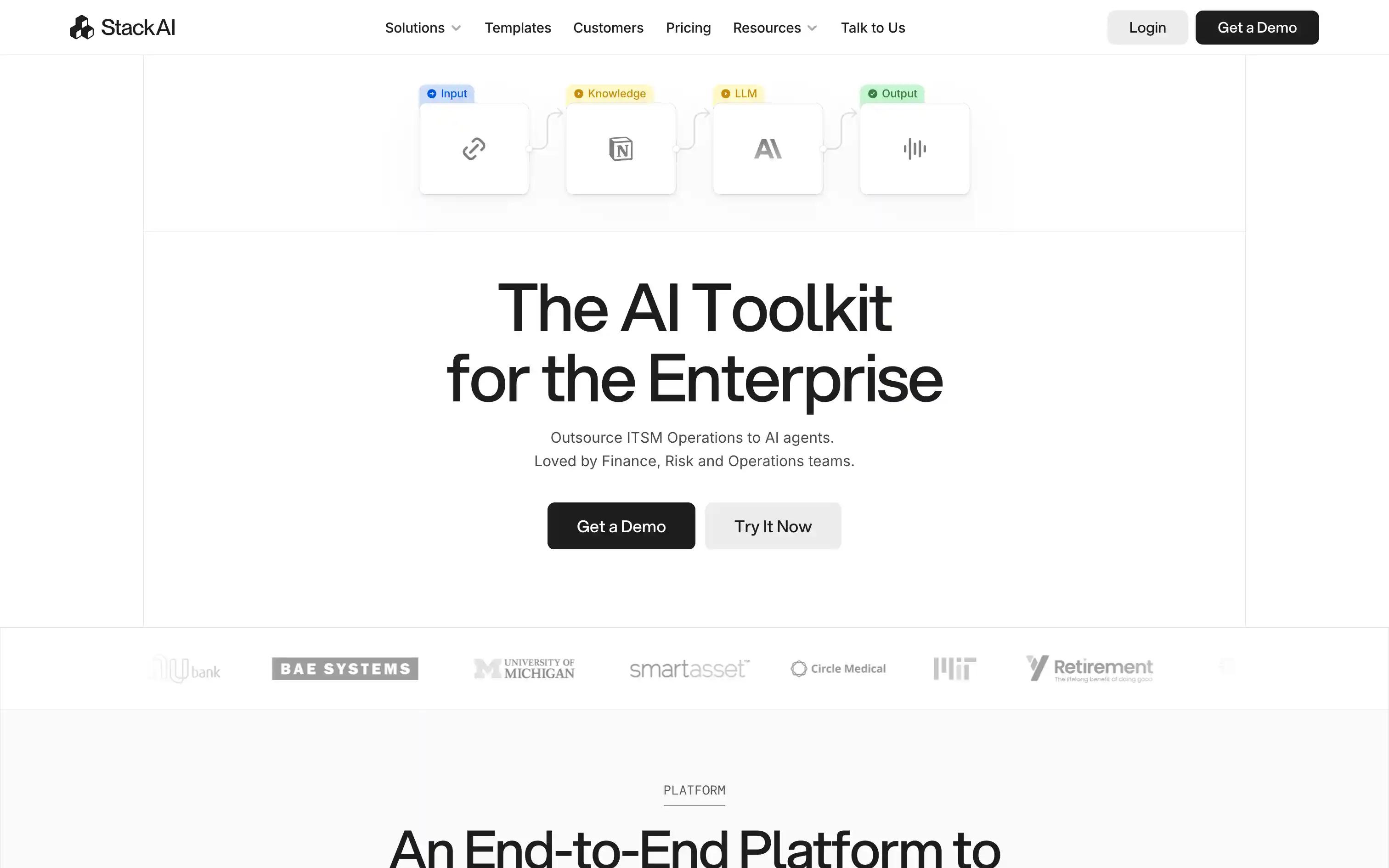
Quick overview : Stack AI offers a visual canvas to design and deploy AI workflows that combine multiple models and data sources. It’s designed for teams building custom, data-informed AI applications without heavy engineering.
Best for: Teams wanting to build and deploy AI workflows visually
Pros:
Visual workflow editor Supports multiple AI models Easy integration with data sources
Cons:
Limited RBAC and audit features Scaling to enterprise needs may require workarounds
Pricing: Free tier; Enterprise plan
6. Make, Visual automation for SaaS & APIs
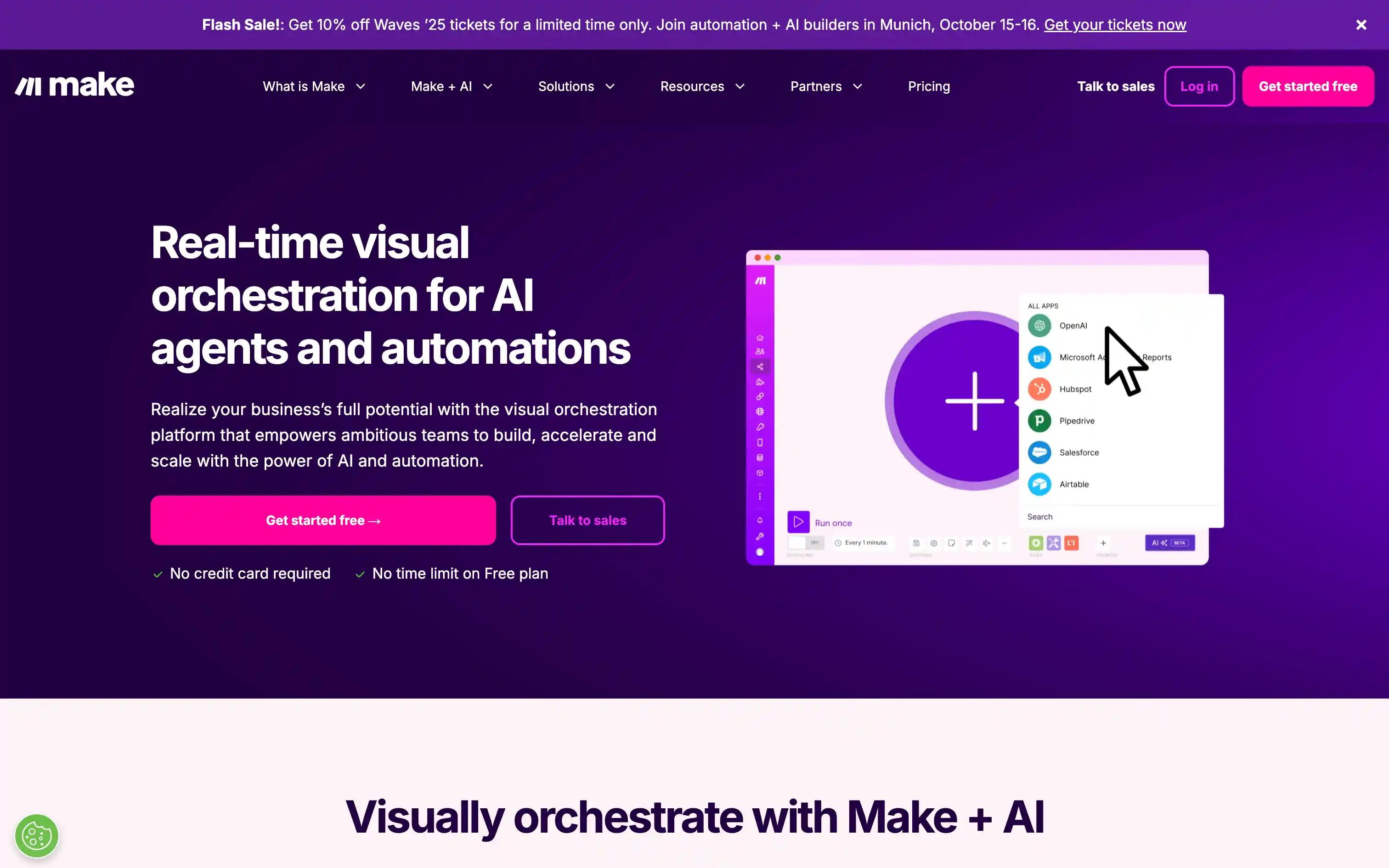
Quick overview : Make is a visual automation platform for connecting APIs, databases, and SaaS tools. It supports advanced logic, branching, and data transformations for complex business workflows.
Best for: Automating multi-step processes across SaaS and APIs
Pros:
Strong scenario builder Large library of integrations Flexible data handling
Cons:
Learning curve for complex flows AI-native features are limited
Pricing: Free tier; paid plans from ~$9/mo.
7. n8n, Low-code workflow automation
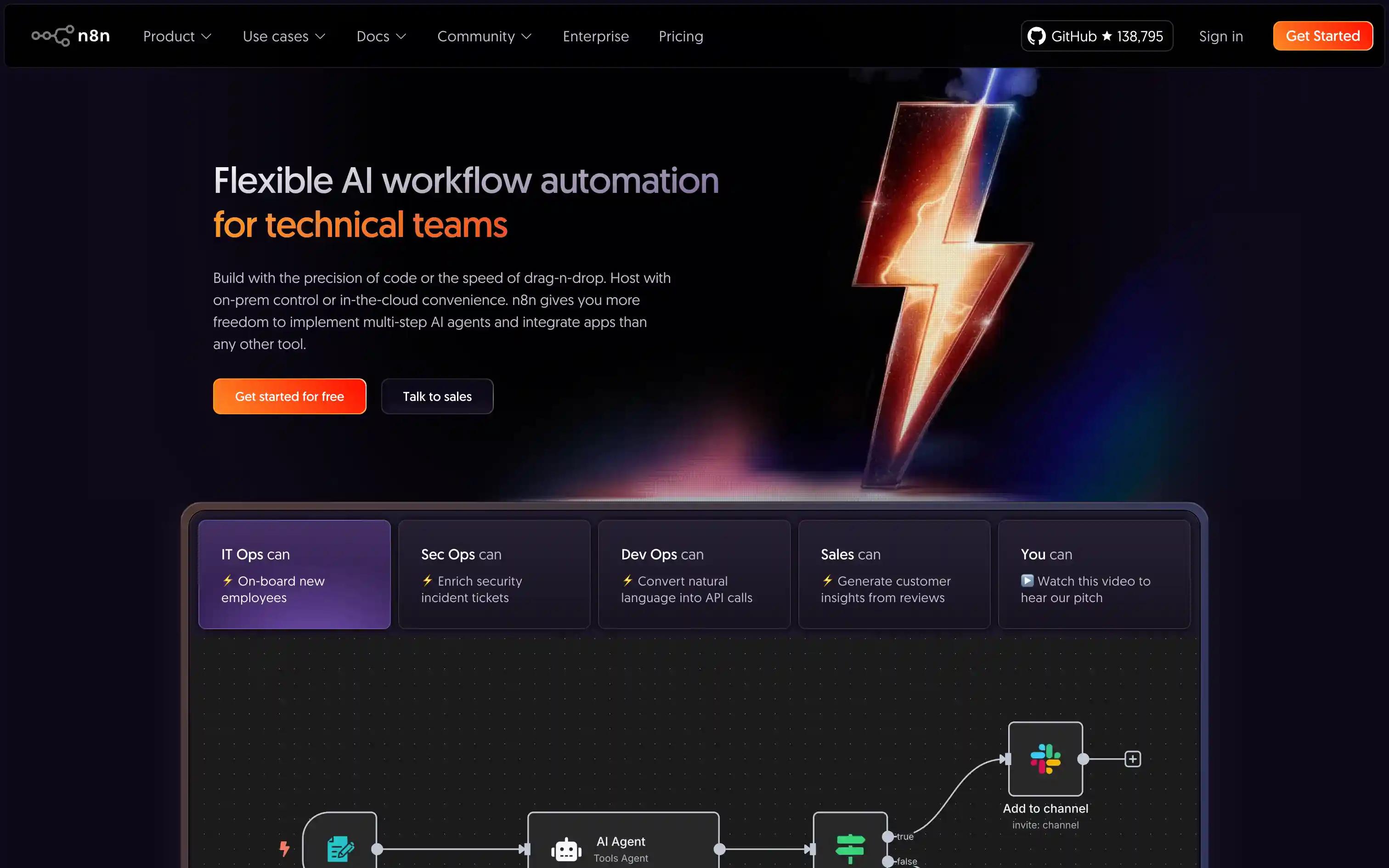
Quick overview : n8n is an open-source, self-hostable workflow automation platform with flexible node logic and plugin support. It’s ideal for technical teams who want full customization and control of their automation stack.
Best for: Teams needing customizable, self-hosted automation
Pros:
Open source and self-hosting options Flexible node-based logic Active community and plugin ecosystem
Cons:
Setup and maintenance required Limited enterprise governance out-of-the-box
Pricing: Free (OSS); Cloud from $20/month; Enterprise pricing available
8. Microsoft Power Automate, Microsoft-centric automation
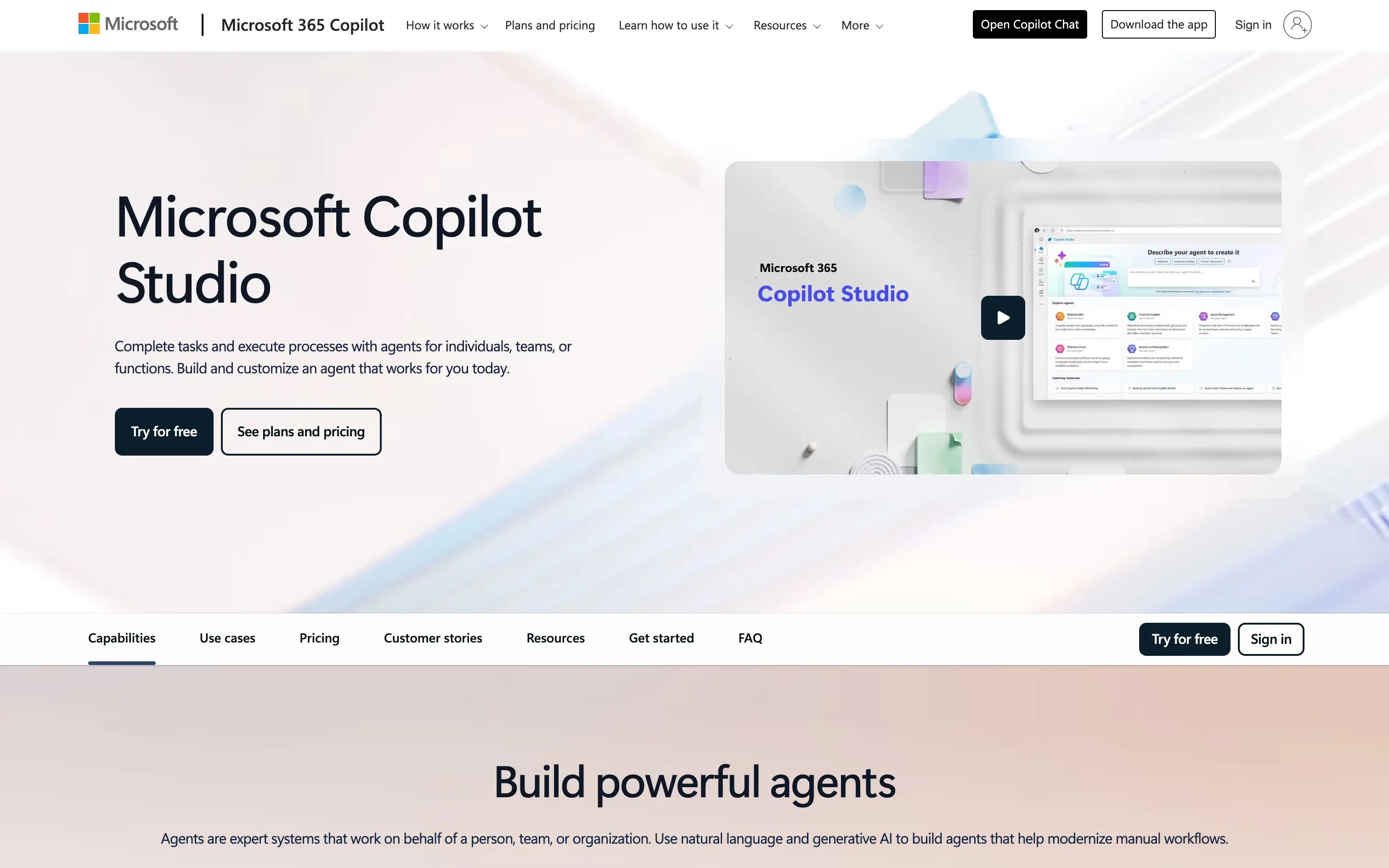
Quick overview : Power Automate brings low-code automation to Microsoft 365 and Azure, offering RPA and strong native integrations. It’s best for organizations building AI-assisted workflows within the Microsoft ecosystem.
Best for: Organizations using Microsoft 365 and Azure
Pros:
Deep integration with Microsoft products Built-in RPA capabilities Enterprise-grade security
Cons:
Best for Microsoft ecosystem AI features often require add-ons
Pricing: Free tier; paid plans from ~$15/user/mo.
9. Dust, Compliance-oriented AI workflow builder
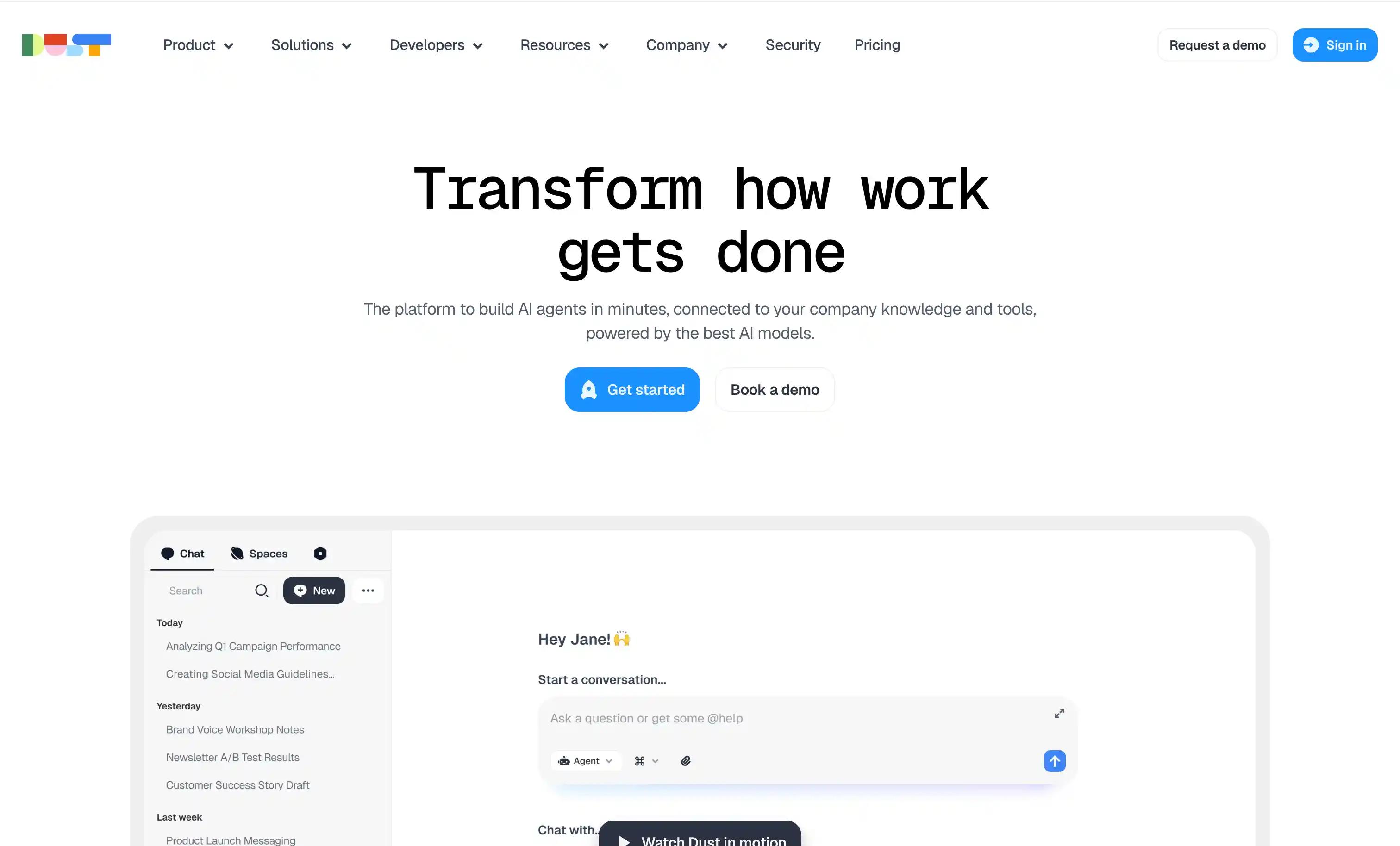
Quick overview: Dust is an enterprise, no-code AI platform for building AI workflow automations that connect to your company’s data and tools in a shared workspace, with a model-agnostic approach and security/compliance features.
Best for: Security-conscious enterprises to roll out data-connected, agents without heavy engineering.
Pros:
Visual workflow builder Integrations with enterprise data sources Managed hosting
Cons:
Limited open-source options Fewer observability features
Pricing: $29/month; Enterprise pricing available
10. Flowise AI, OSS visual LLM orchestration
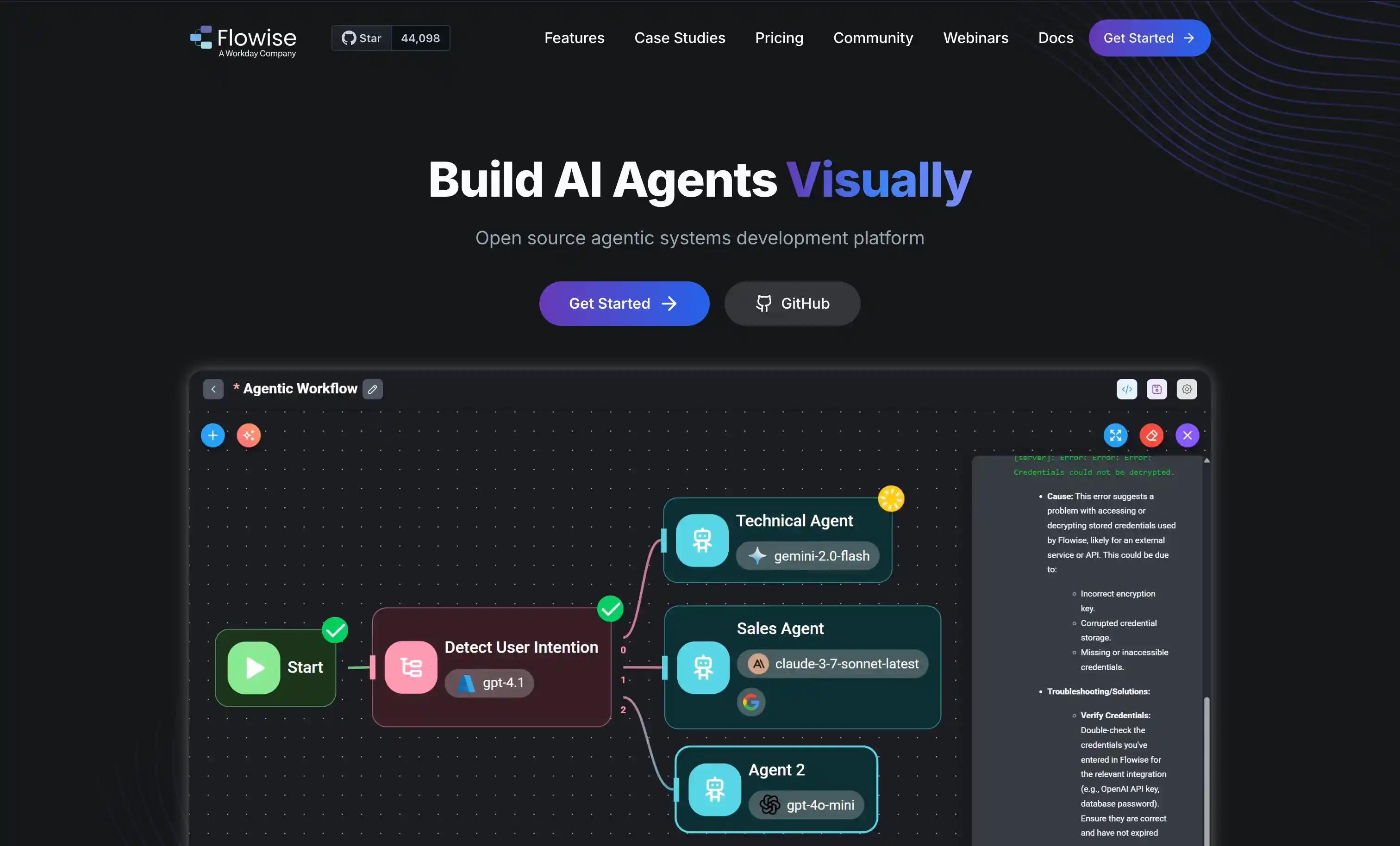
Quick Overview: Flowise AI is an open-source, drag-and-drop LLM orchestration tool best for rapid prototyping and OSS control.
Best for: Teams wanting open-source, visual LLM orchestration
Pros:
Open-source, self-hostable Visual workflow builder Active community
Cons:
Fewer enterprise controls Manual scaling and monitoring
Pricing: Free (OSS); paid plans from $35/month; Enterprise pricing available
11. Tray.ai, Automation for enterprises with connectors
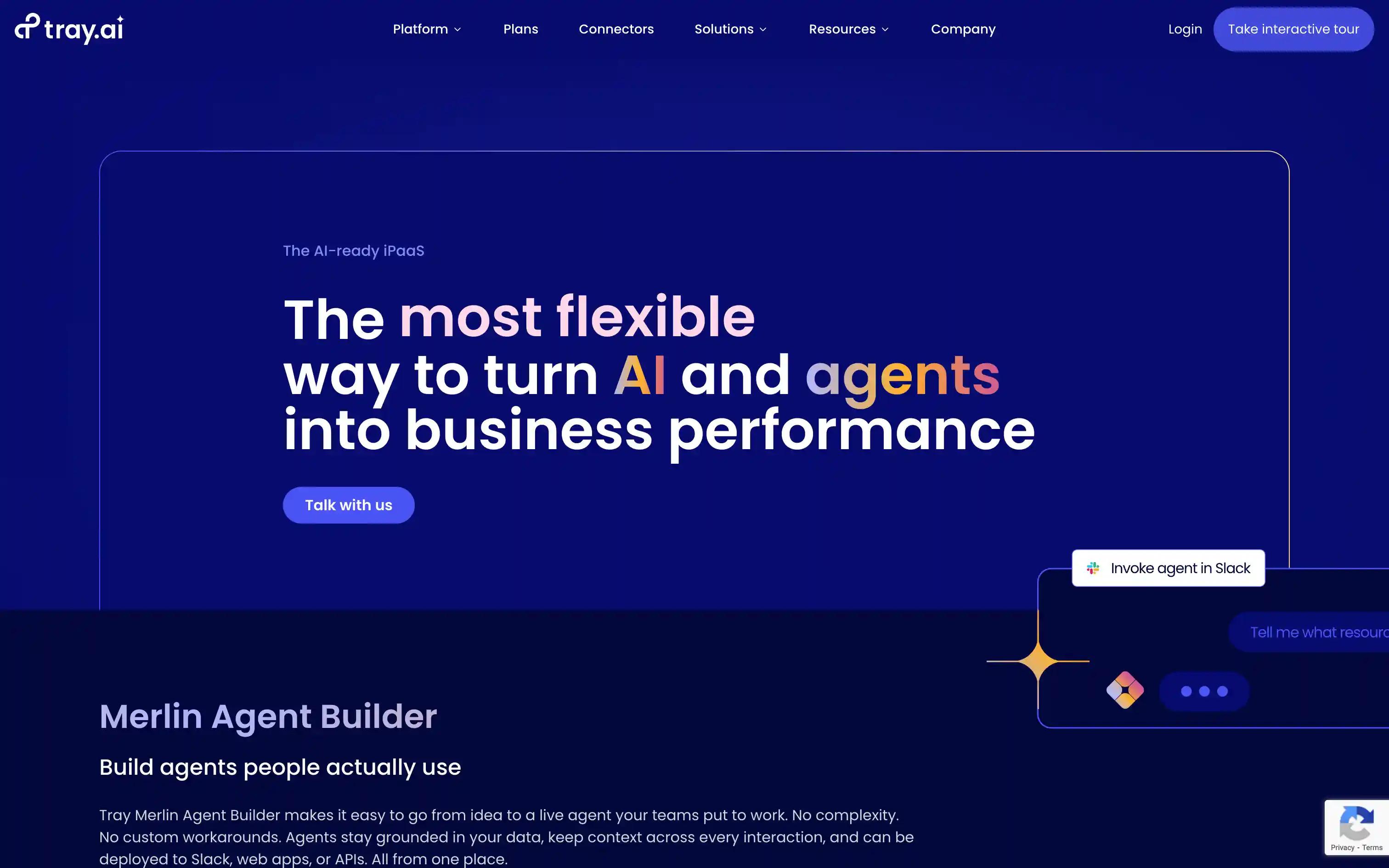
Quick overview : Tray.ai combines a low-code visual builder with deep API integration for large-scale enterprise automation. It’s suited for teams that need custom workflows and strong connectivity across systems.
Best for: Enterprises needing custom integrations and workflow automation
Pros:
Visual builder with low-code customization Scalable for large teams Strong API support
Cons:
Requires technical expertise Pricing on the higher end
Pricing: Enterprise pricing only.
No-Code AI Workflow Automation Tools Comparison Table
| Tool | Best for | No-code builder | AI features | Governance | Deployment | Integrations | Observability | Pricing |
|---|---|---|---|---|---|---|---|---|
| Zapier | Connecting SaaS apps with simple AI triggers | Yes | Built-in AI actions across thousands of integrations | Org-level controls | Cloud | 7,000+ apps | Run histories | Free; paid tiers. |
| Lindy AI | No-code AI agents for repeatable tasks | Yes | Native AI agent builder, LLM tool use | Workspace controls | Cloud | App integrations + APIs | Run logs | Free; paid plans. |
| Gumloop | Visual prototyping of agentic workflows | Yes | LLM nodes, branching, agent loops | Workspace controls | Cloud | App + API integrations | Run history | Free; paid plans. |
| Stack AI | Enterprise-strict no-code AI workflow builder | Yes | LLM nodes, RAG, evals | SSO, RBAC, audit | Cloud, VPC | API + connectors | Logs, metrics | Enterprise. |
| Make | Visual automation for SaaS and APIs | Yes | AI module integrations | Org controls | Cloud | 1,800+ apps | Run history | Free; paid tiers. |
| n8n | Low-code workflow automation, open-source | Yes (mostly) | LLM nodes, custom code | Self-host controls | Cloud or self-host | 400+ apps | Run history | Free OSS; paid cloud. |
| Microsoft Power Automate | Microsoft-centric automation | Yes | AI Builder, Copilot | Entra ID, DLP | Cloud, on-prem gateway | M365 + connectors | Run history | Microsoft licensing. |
| Dust | Compliance-oriented AI workflow builder | Yes | LLM-native, assistants | SSO, audit | Cloud, EU | App + API connectors | Logs | Paid plans. |
| Flowise AI | OSS visual LLM orchestration | Yes | LangChain-based nodes | Self-host controls | Cloud or self-host | API + connectors | Logs | Free OSS; paid cloud. |
| Tray.ai | Automation for enterprises with deep connectors | Yes | AI workflow nodes | Enterprise governance | Cloud | 600+ connectors | Logs, debug | Enterprise. |
FAQs
1) How can I automate AI workflows without relying on engineers?
Pick a no-code platform that lets you describe workflows in plain language and ships with built-in templates. Most tools in this list (Zapier, Make, Lindy, Gumloop) let you build a working AI automation in an afternoon without an engineer.
2) What is the fastest way to turn an AI idea into a working system?
Pick a tool with a visual builder and prebuilt AI nodes, sketch the workflow, then iterate with sample data. Lindy AI, Gumloop, and Stack AI are designed for this turn-from-idea-to-deployed cycle in hours.
3) How do I ensure my AI workflows stay compliant and auditable?
Choose a platform with role-based access, audit logs, and approval steps. Stack AI, Dust, and Tray.ai all market explicit compliance controls; Microsoft Power Automate inherits Entra ID and DLP from the M365 stack.
4) How can I connect AI workflows to existing apps and data?
Most no-code platforms include native connectors for popular SaaS apps, databases, and APIs. Zapier and Make have the largest app catalogs; Tray.ai is the deeper pick for enterprise systems.
5) Can non-technical teams safely use AI in production?
Yes, if the platform separates building from deployment. Pick a tool with sandbox environments, versioning, and an admin layer so business users can ship safely while engineering keeps oversight.
6) How do I compare outputs from different AI models before rollout?
Use a tool with built-in eval or test-run features. Stack AI and Gumloop let you side-by-side test prompts and models; for lighter use, sample-data previews in Zapier or Make work well.
7) What if we already use Zapier or Make and want to add AI?
Keep Zapier or Make for SaaS-to-SaaS routing. Layer in a tool like Lindy AI or Gumloop for the AI-native parts where you need model orchestration, prompt logic, and structured outputs.
8) What is the best way to manage model drift and maintain quality?
Pick a platform with run logs and traces so you can compare outputs over time. Stack AI, Dust, and Tray.ai all expose detailed run history; for lighter monitoring, native logs in Zapier or n8n usually catch regressions.
9) How can we deploy AI workflows securely across environments?
Look for cloud, VPC, and on-prem deployment options if security is a constraint. Stack AI, Dust, n8n (self-hosted), and Flowise (self-hosted) all give you that flexibility.
10) How do I scale from one AI workflow to hundreds?
Standardize prompts, eval criteria, and connector patterns early. Tools with shared templates and workspaces (Stack AI, Dust, Tray.ai) make it easier to fan out one working automation into many.
11) How do I debug AI workflows when something goes wrong?
Use a platform with full run traces, including inputs, outputs, tool calls, and latency. Stack AI and Tray.ai surface this natively; OSS picks like n8n and Flowise expose the same data through their self-hosted dashboards.
Extra Resources
The 2026 Guide to AI Agent Workflows →
Top 12 AI Workflow Platforms →
Top low-code AI workflow automation tools →
Top 13 AI Agent Builder Platforms for Enterprises →
The Best AI Agent Frameworks For Developers →
Citations
[1] Grand View Research. (2024). No-Code AI Platform Market Report .
[2] Integrate.io. (2024). 10 Key Benefits and Metrics of Low-Code ETL Platforms .
[3] Adalo. (2024). 37 No-Code Market Growth Statistics Every App Builder Must Know .
[4] Cflow. (2024). Top Workflow Automation Statistics and Trends .
[5] Domo. (2024). AI Workflow Platforms: How AI is Transforming Business Automation .